Digital Signage Use Cases
This page shows practical scenarios where Simple Infopanel can be used in real environments, including setup considerations and content planning tips.
1) Office and lobby screens
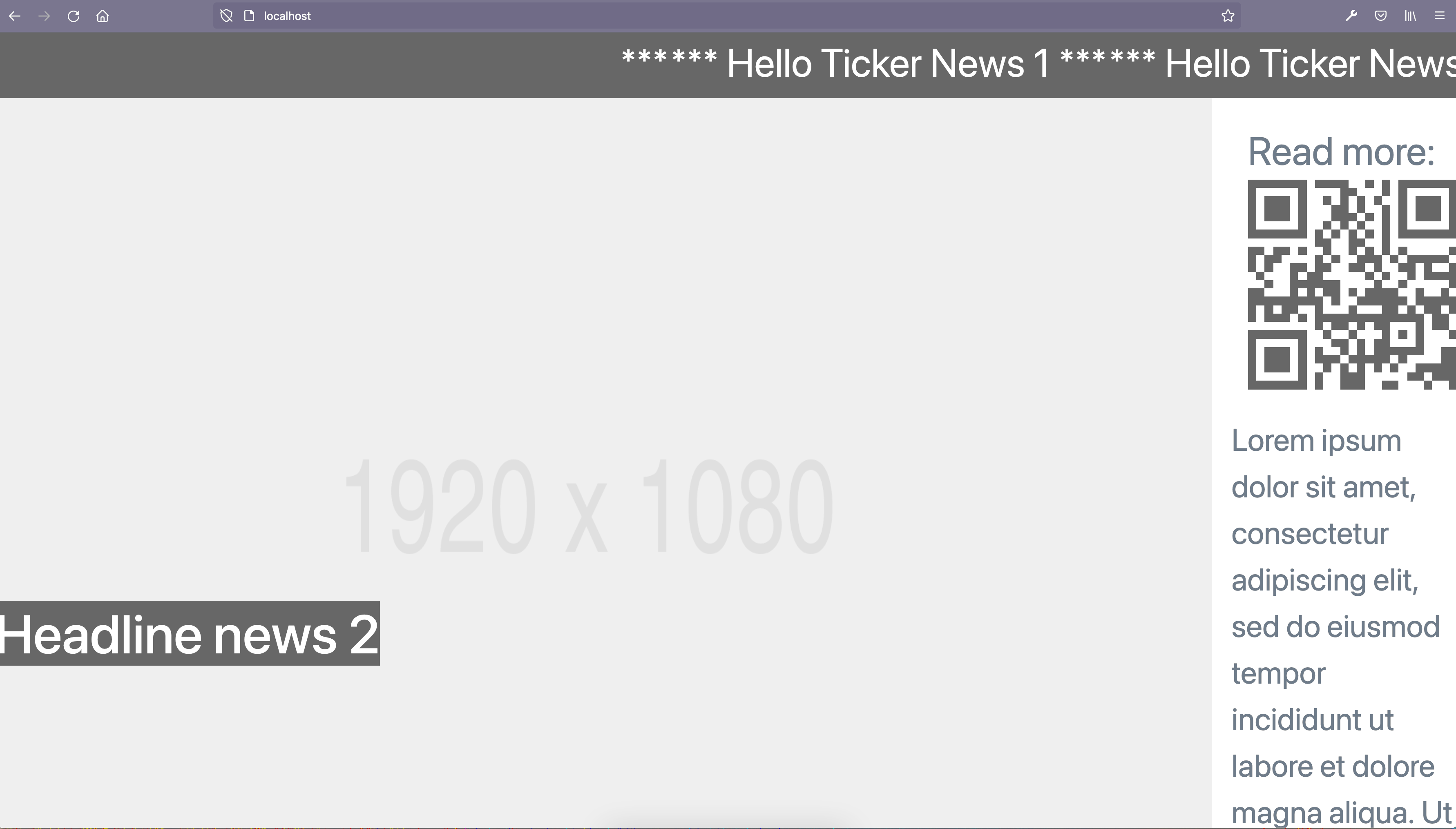
Display internal announcements, visitor instructions, and event schedules in office entrances and meeting zones. This works well with a simple loop of image-based slides.
- Keep slide text short and readable from distance
- Rotate content weekly to avoid stale messages
- Add QR codes for longer resources and forms
2) Retail and point of sale
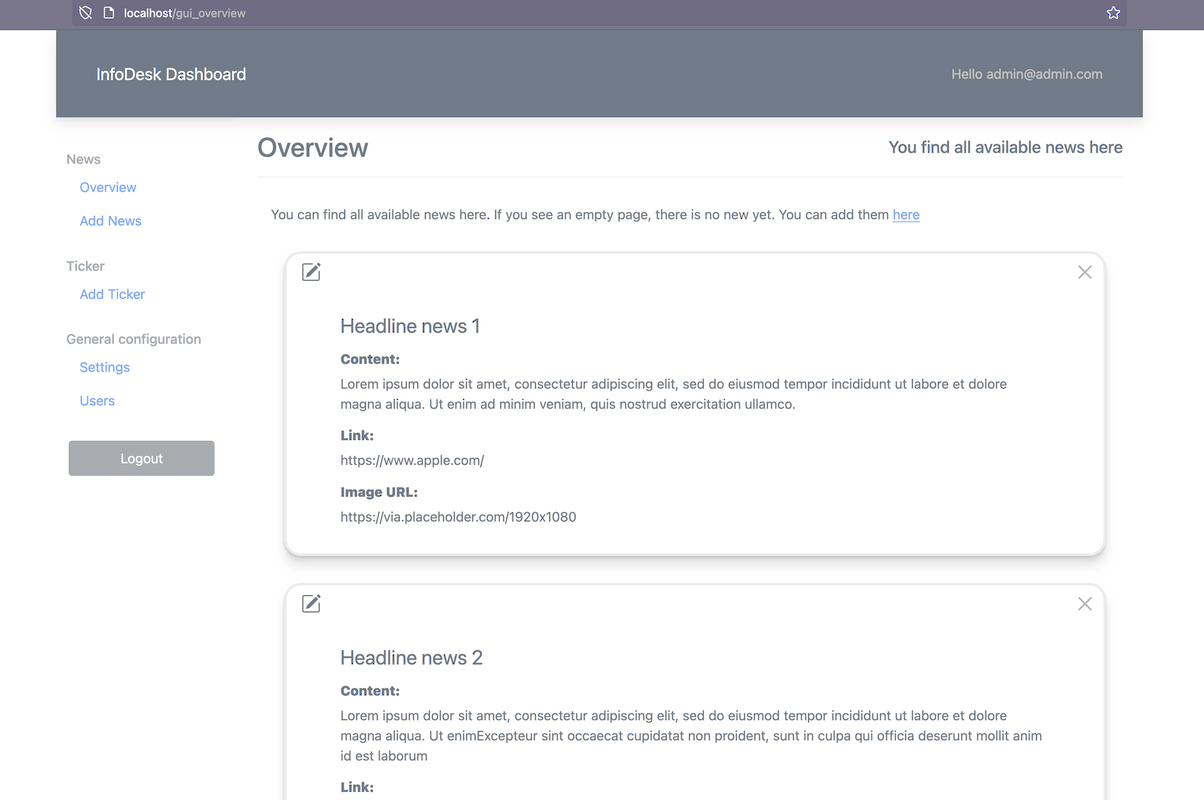
Show promotions, opening hours, product highlights, and campaign messages on in-store displays. The built-in editor allows quick updates without touching source code.
- Use seasonal campaigns with start/end dates
- Prepare image sets optimized for display resolution
- Use consistent branding colors and text hierarchy
3) Education and community spaces
Schools, clubs, and community centers can use the system for event news, room changes, and informational content that is easy to update by non-technical editors.
- Create role-based accounts for responsible editors
- Use clear templates for recurring announcements
- Review content quality and expiration dates monthly